
The photos in that box
are
fading.
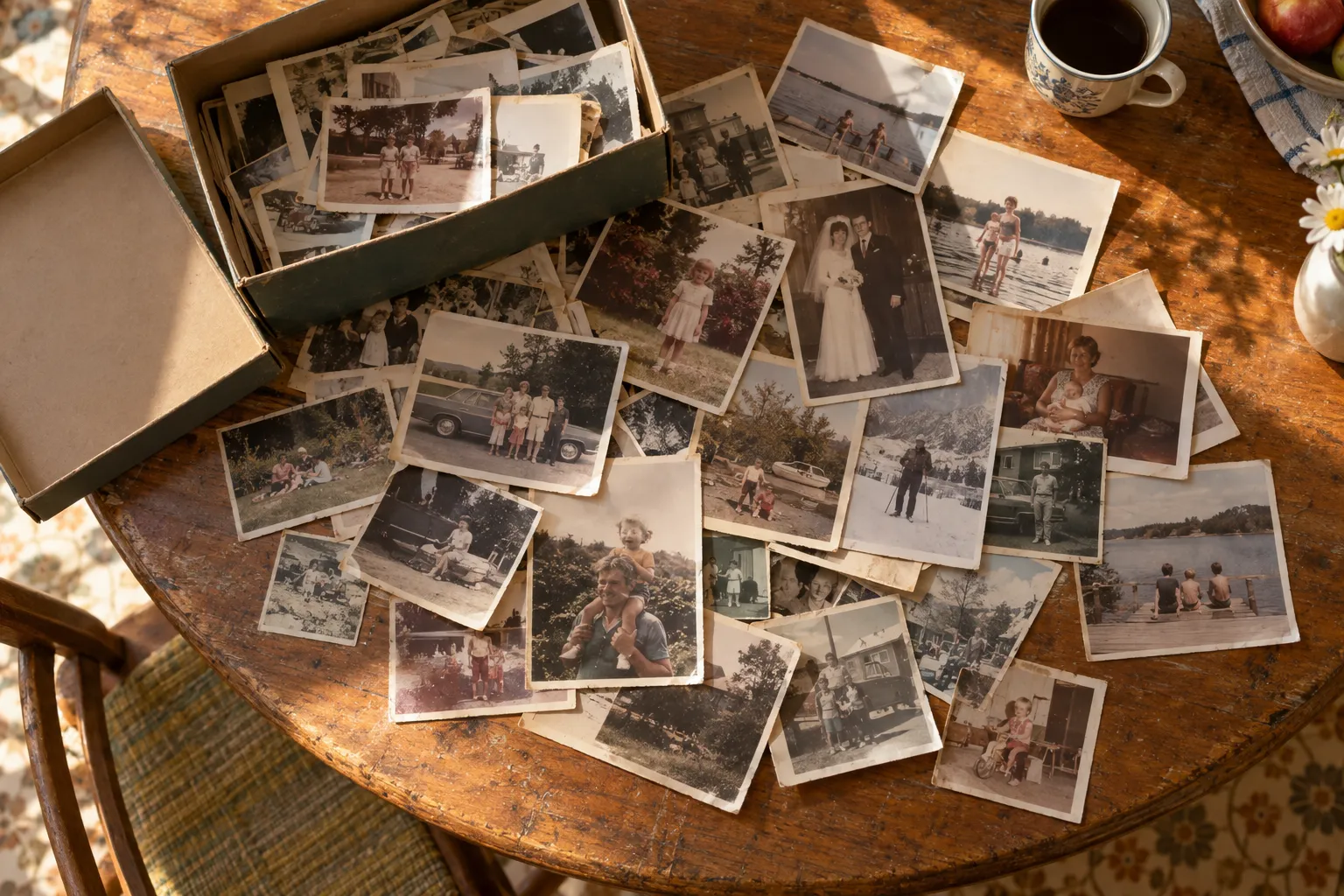
Photograph a handful of old prints with your phone. Nostalgo finds every print in the shot, straightens it, trims the paper border, corrects fifty years of fading, and files it in an album your whole family can open.
Your phone is a shoebox too
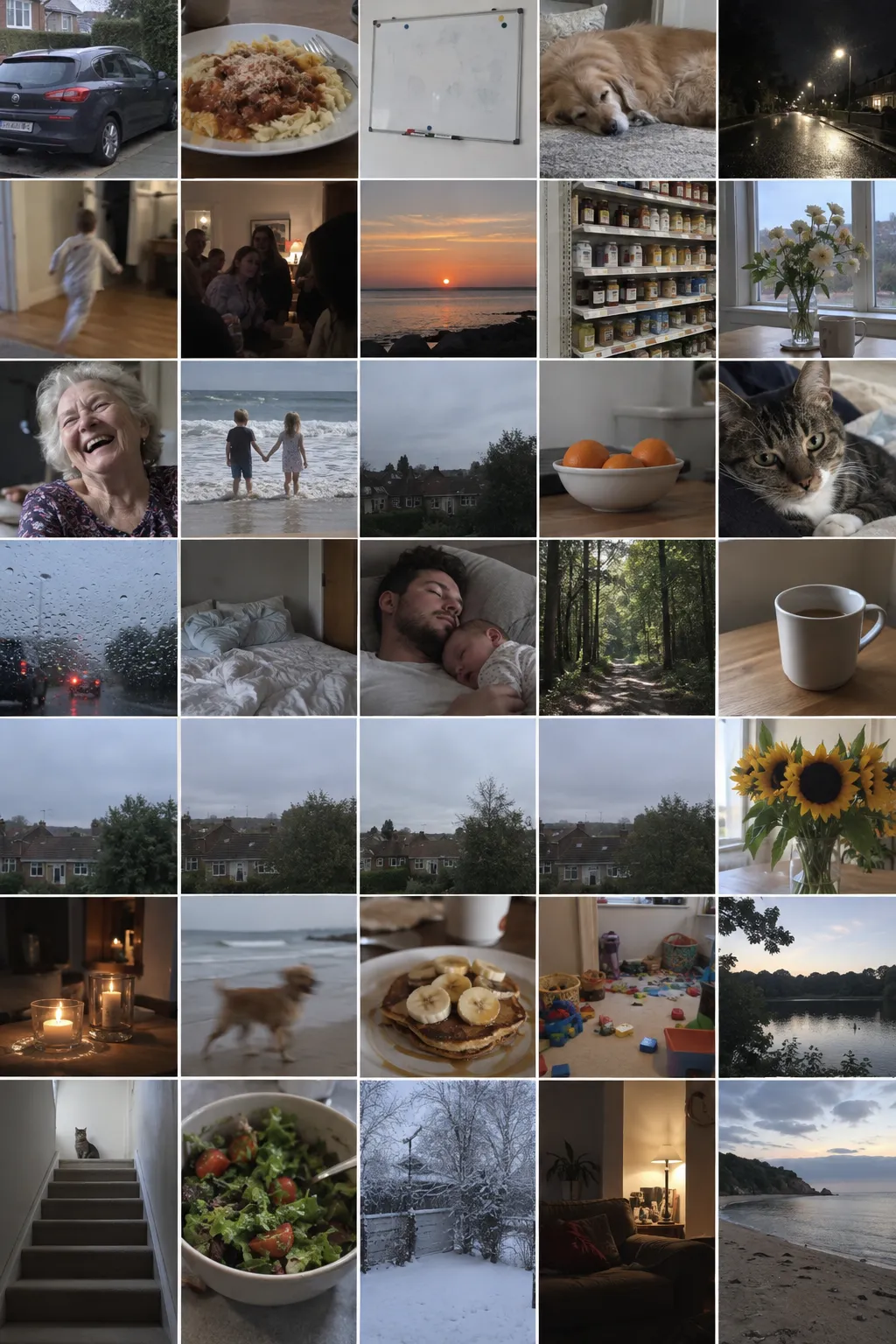
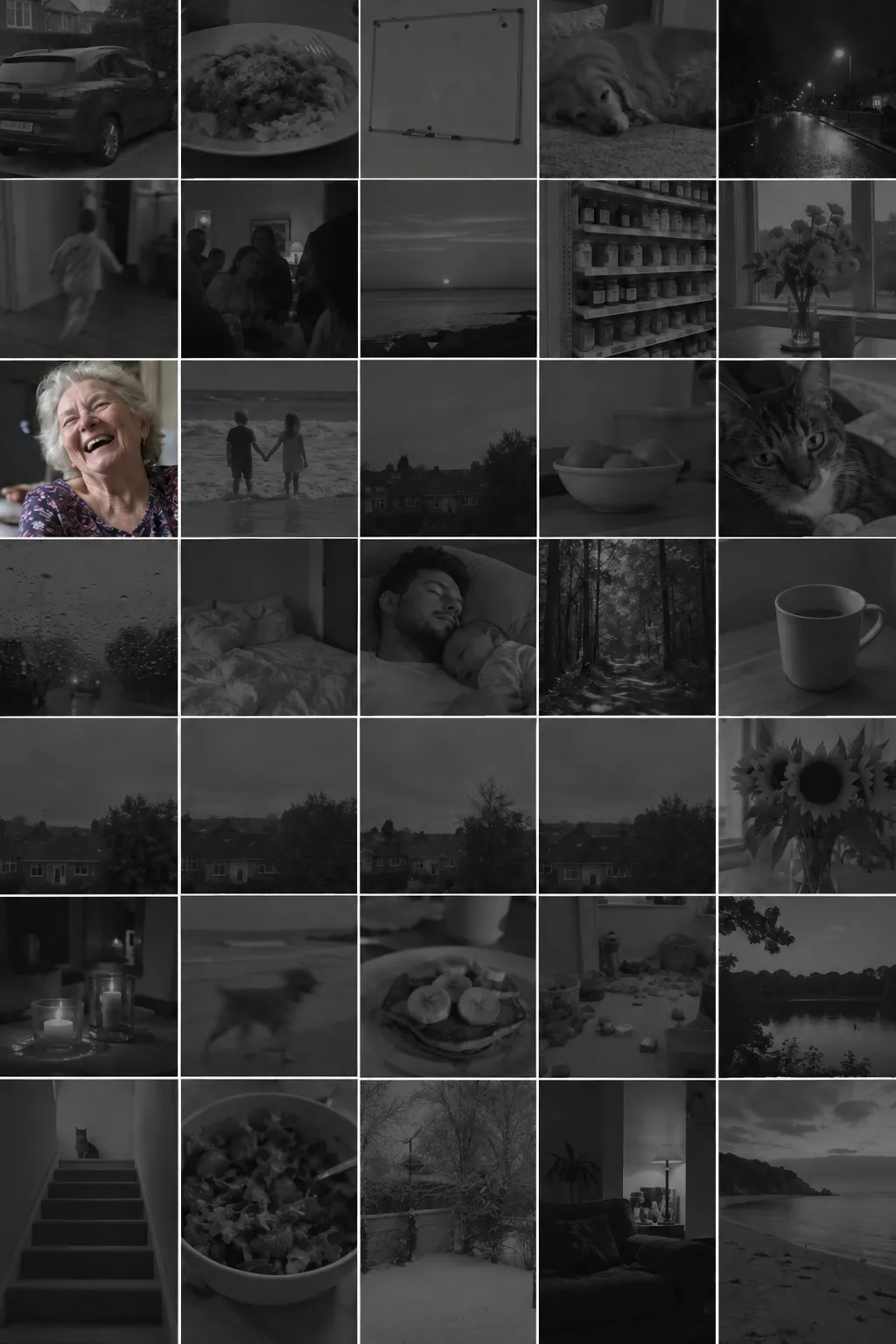
Tens of thousands of photos sitting there taking up space. You have looked at a few hundred of them since the day you took them, and the rest you will never scroll back to.
Iris goes through the whole library and pulls out the ones worth keeping.
Taken on an old phone, in bad light, in a hurry
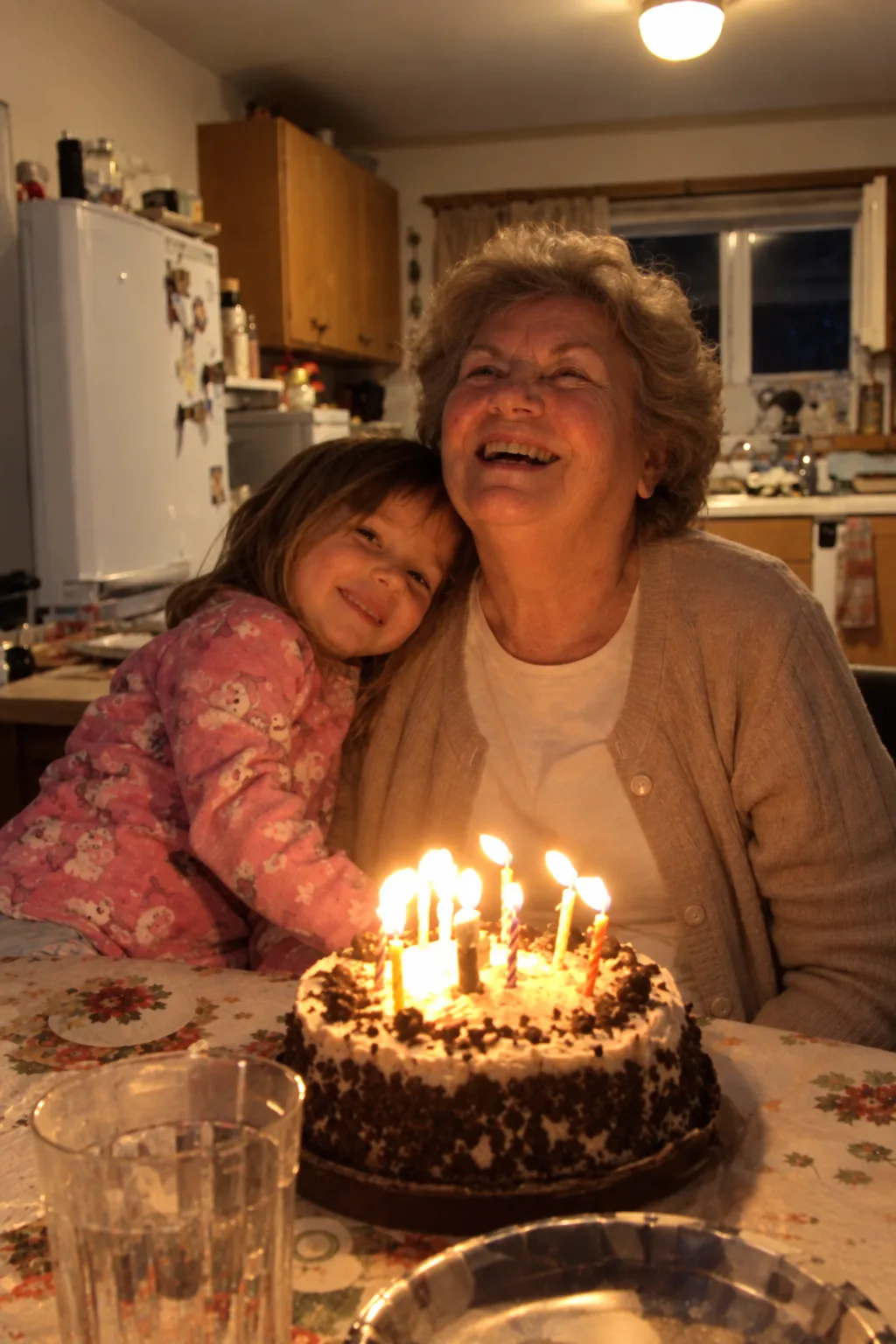
It does not matter. Iris lifts the exposure, opens up the shadows, takes the colour cast out and cleans off the noise. The faces come back.
The same work as a faded print, on a photograph that was never printed at all.
A flatbed scanner does one print at a time
So the box stays in the closet. Phone snaps of a print come out crooked, yellow and dim, and nobody gets past the first twenty.
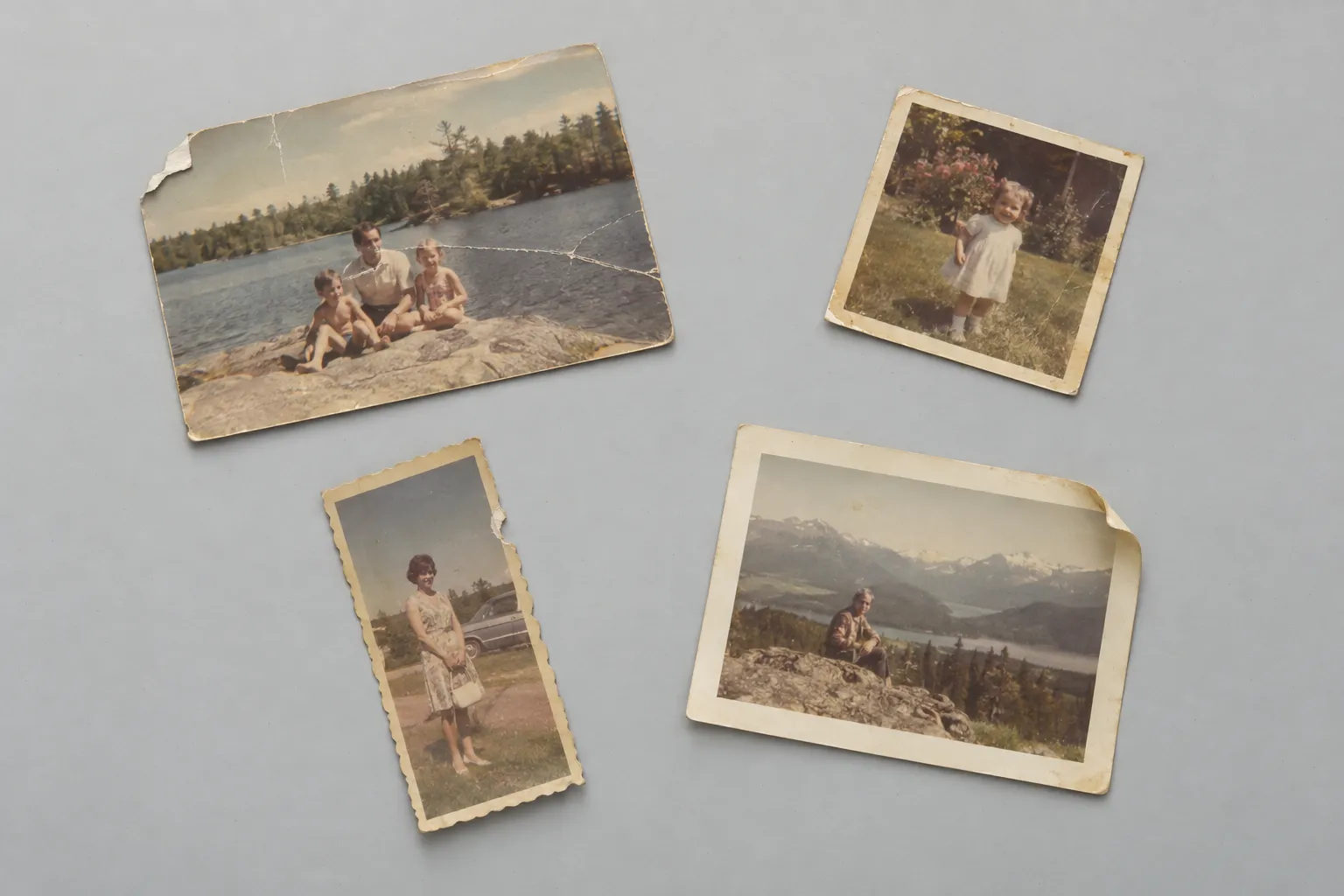
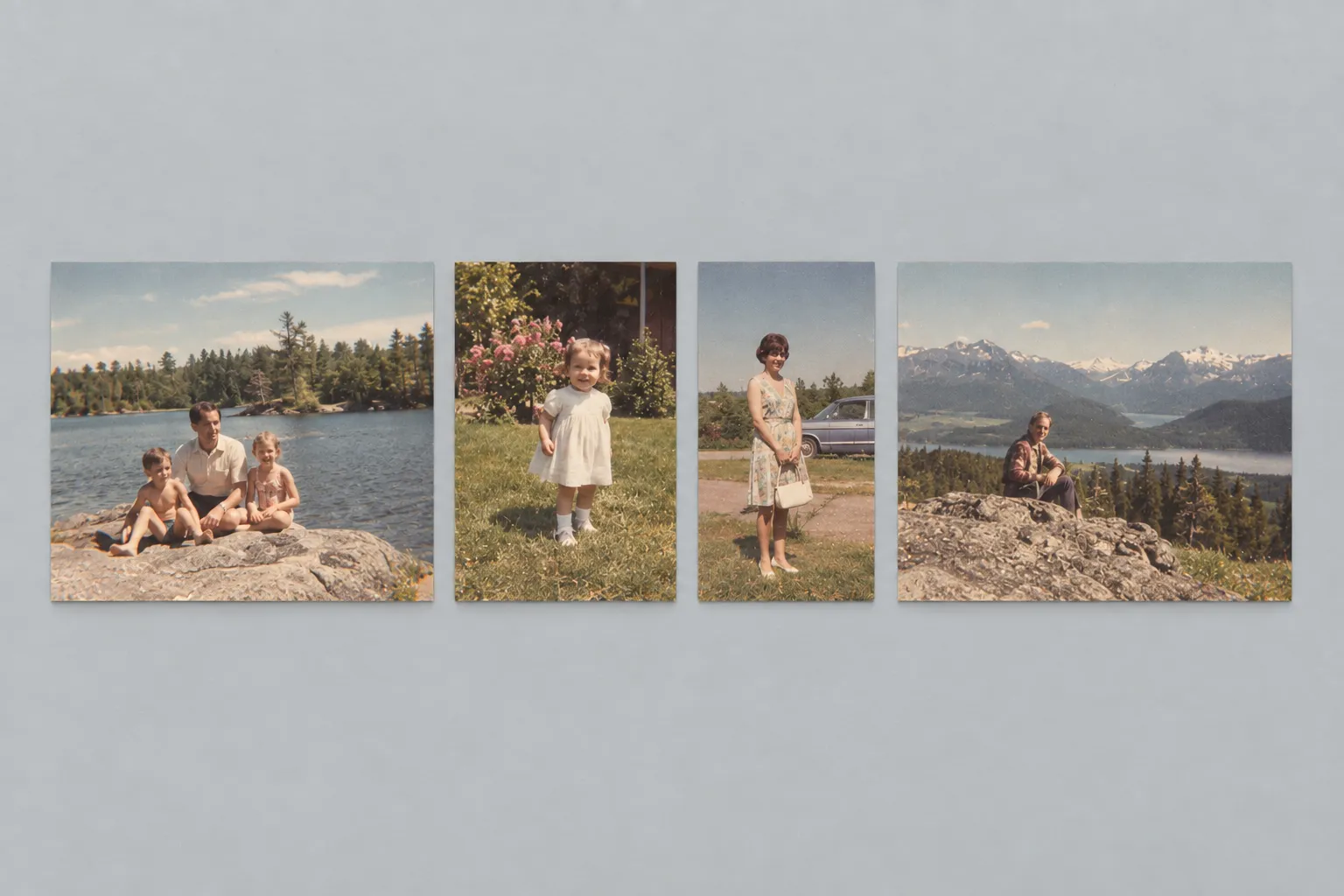
Four prints, one picture
Put them down however they land. Nostalgo finds every print in the frame whatever size it is, works out its four corners, straightens it and cuts it out on its own.
- Wrong corner? Drag it, with a magnifier under your finger.
- A torn edge stays a torn edge until you ask for it to go.
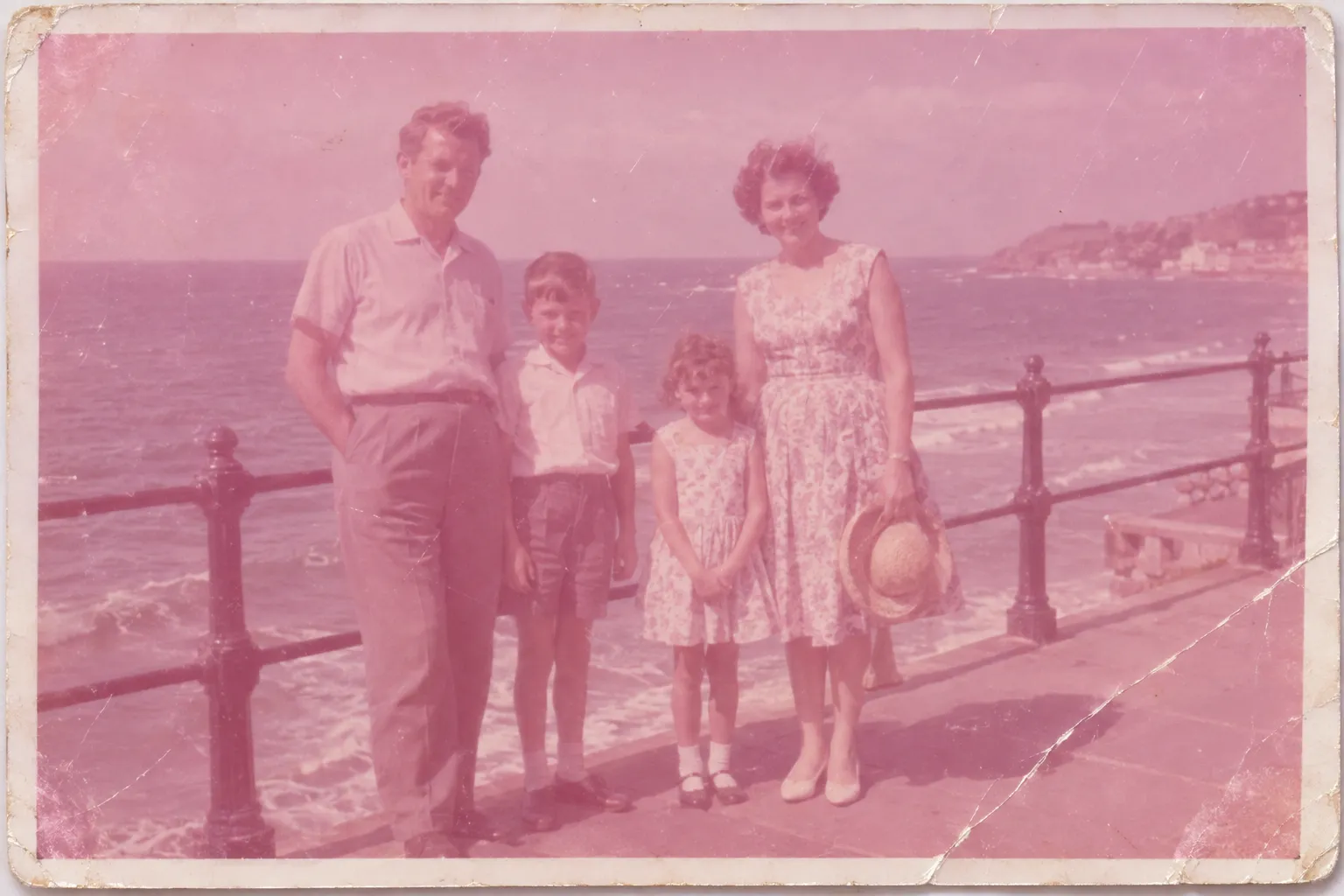
The colour is still in there
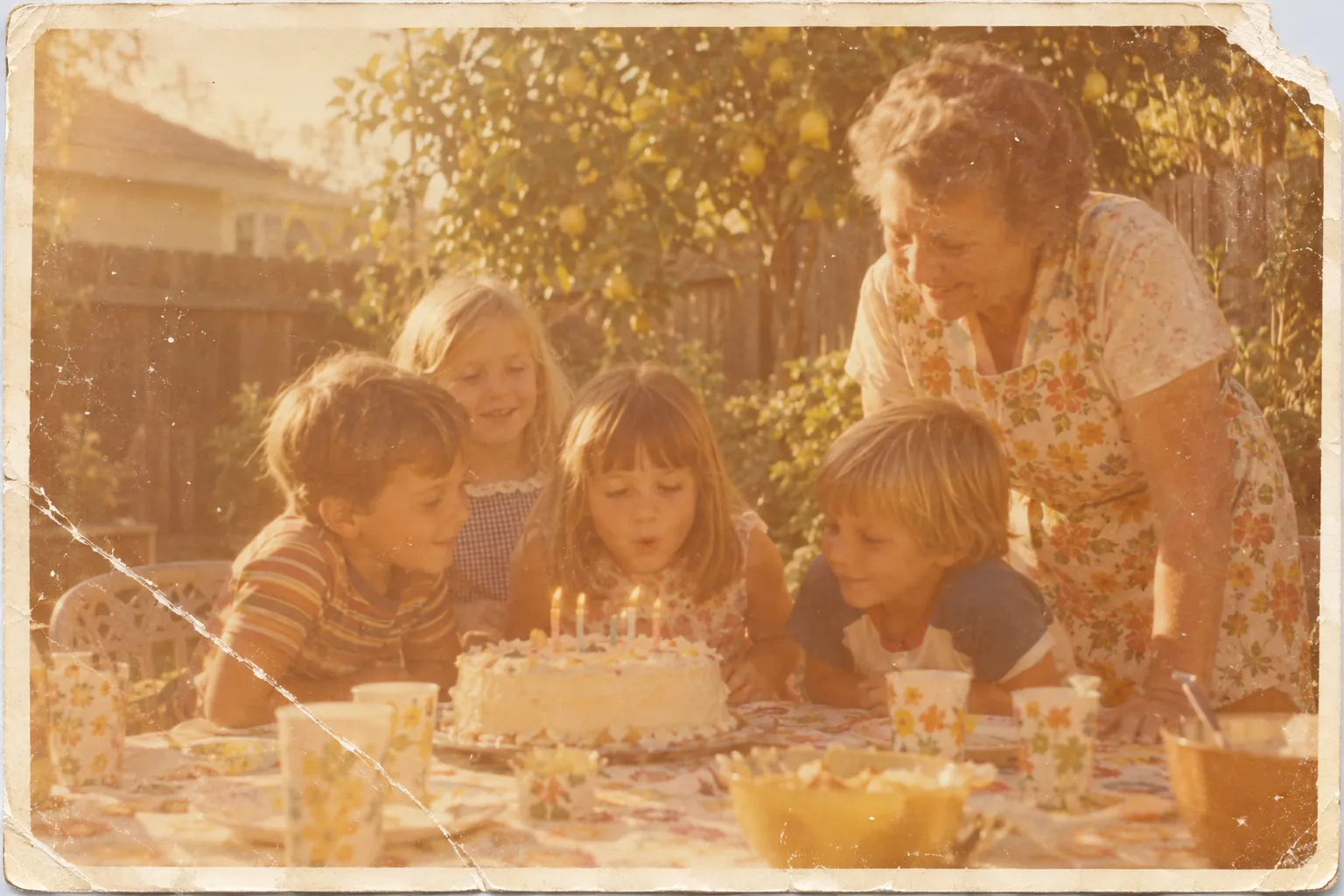
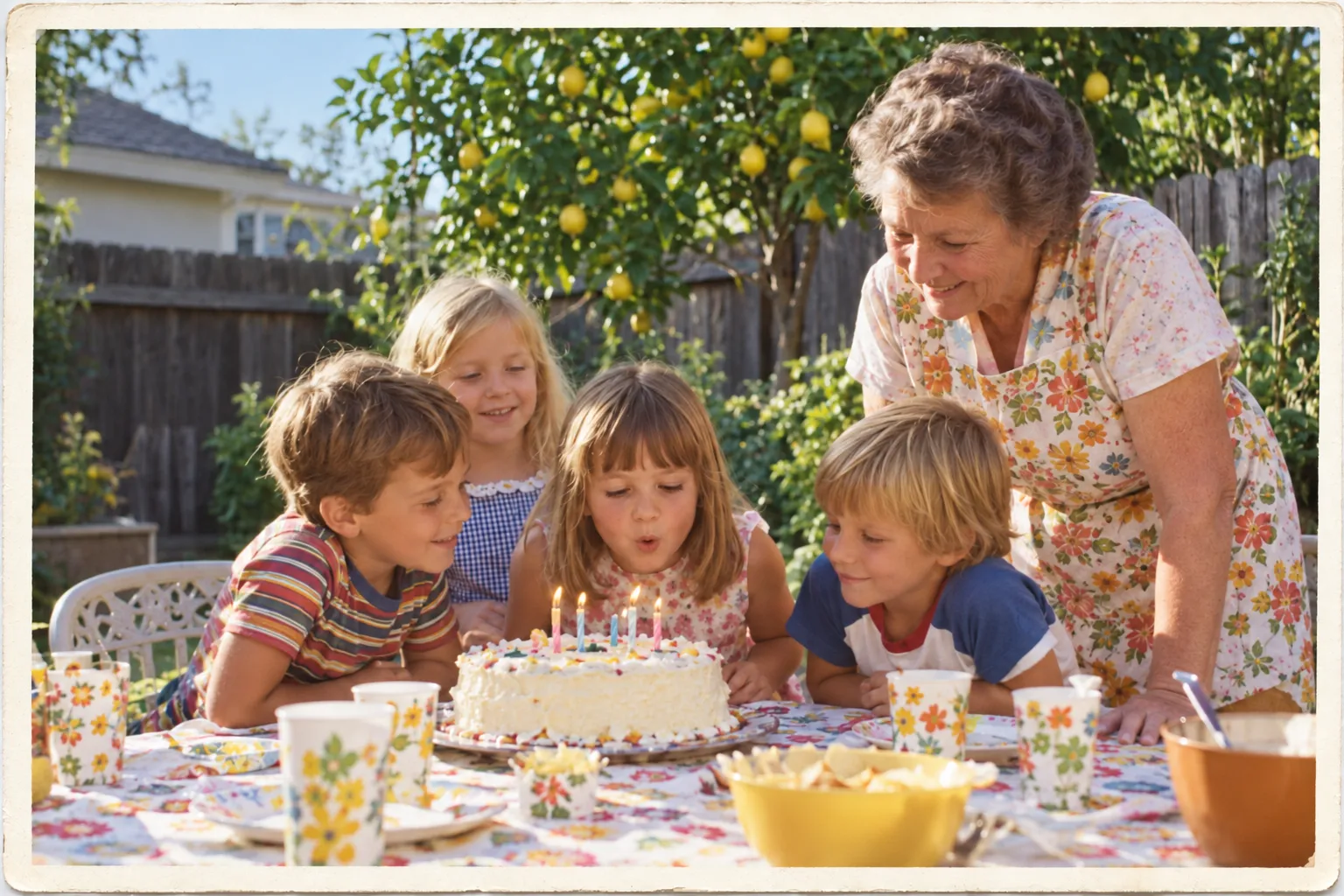
A faded print has not lost its colour, it has lost its balance. Restore straightens the print, trims to the paper edge, takes the cast out, brings the contrast back and cleans the dust and the creases. Nothing else.
Every saved version records which steps ran, so the history of a photo is never a guess.
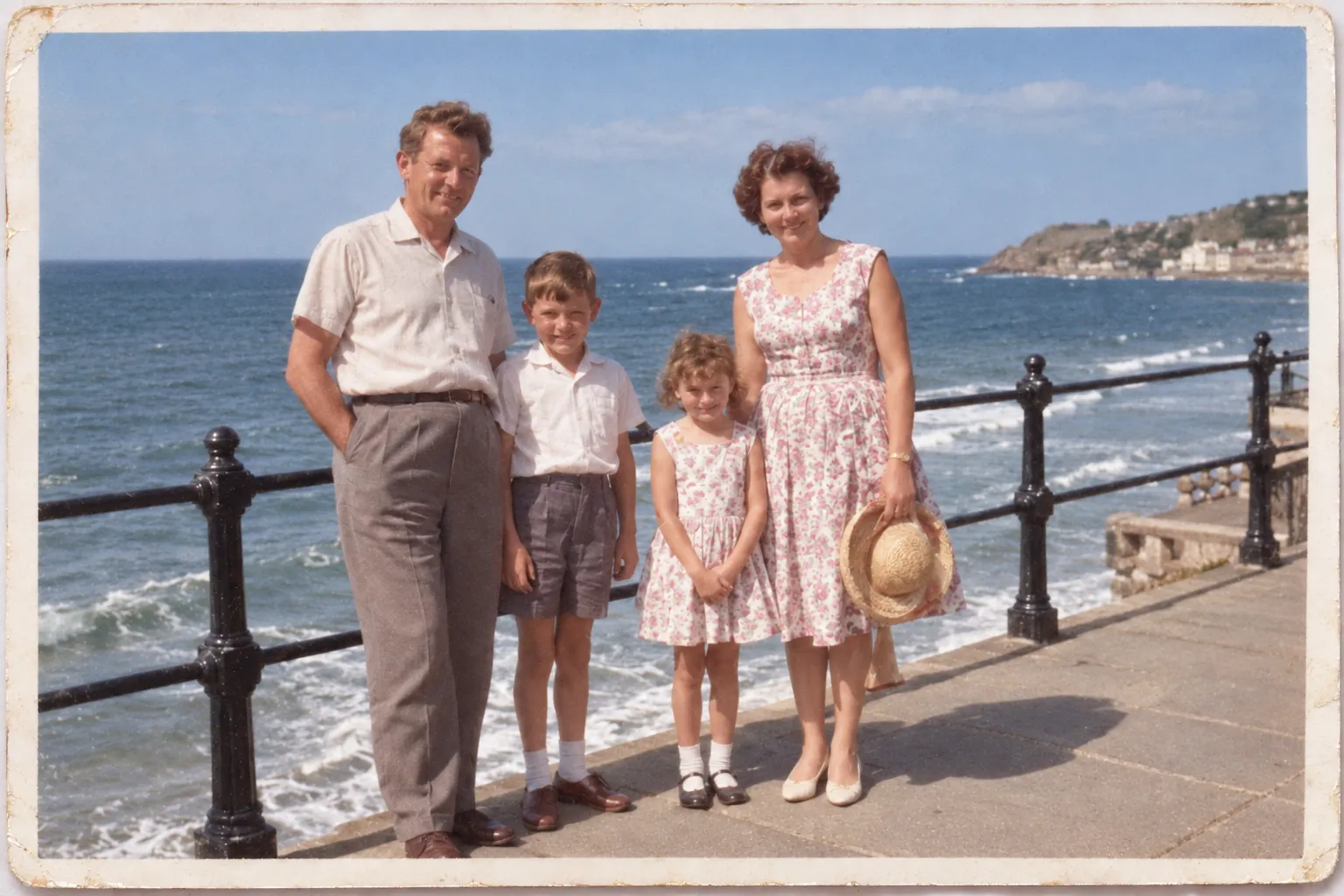
Restoring a photo and repainting it are not the same thing
Here is the same print both ways. Restore corrects what the paper lost. Re-imagine hands the picture to a generative model, which paints it again from scratch, so look at the faces.
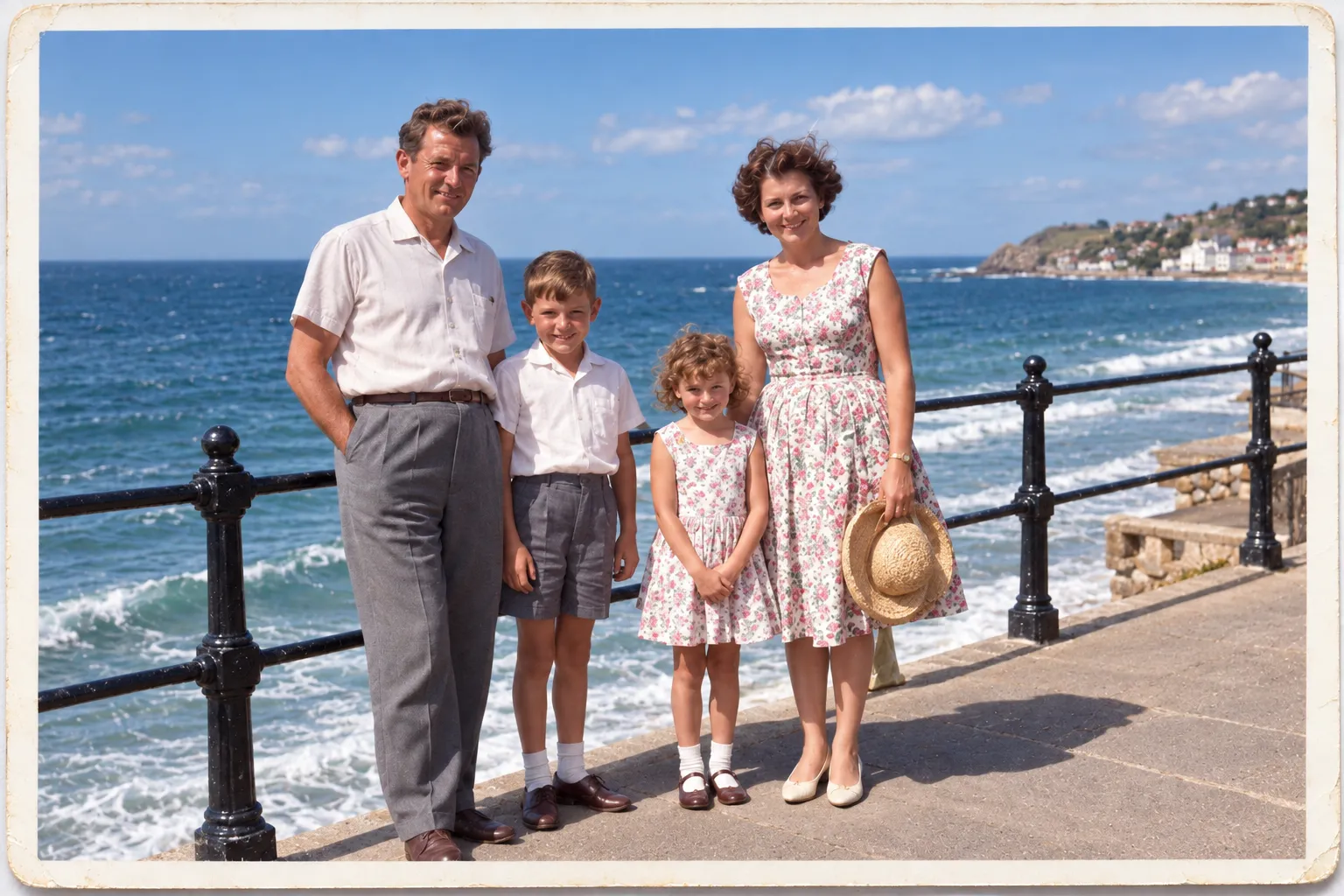
Re-imagined output is labelled, made only when you ask for it, and saved beside the original rather than over it.
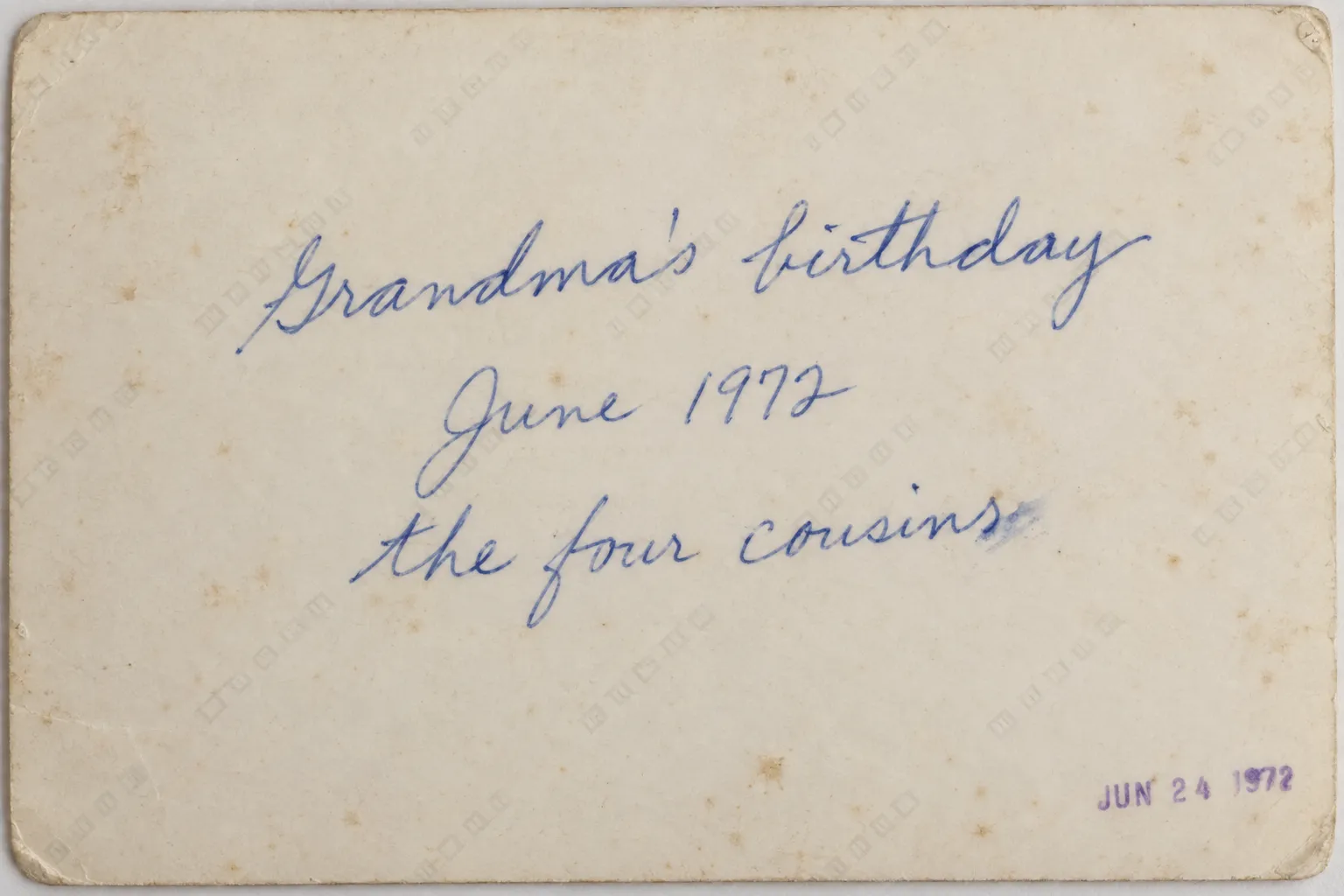
People wrote on the back for a reason
After each scan Nostalgo offers to photograph the back too. What is written there becomes text you can search: names, places, years, the note someone made in 1972 and then forgot about.
Only the people who invited you
You see what your family and the people they invited just scanned, newest first, with their comments on it.
- No strangers.
- No suggested accounts.
- No algorithm deciding what your family should look at.
Mum added 12 photos to The lake house, 1968
Your brother named a face in The corner shop
Your aunt wrote a note on The beach, 1978
Ask for the fix you want
Tell Iris what is wrong with the picture in your own words. She does that one thing, saves it as a new version, and tells you what she did. She asks first before anything that would repaint the photo.
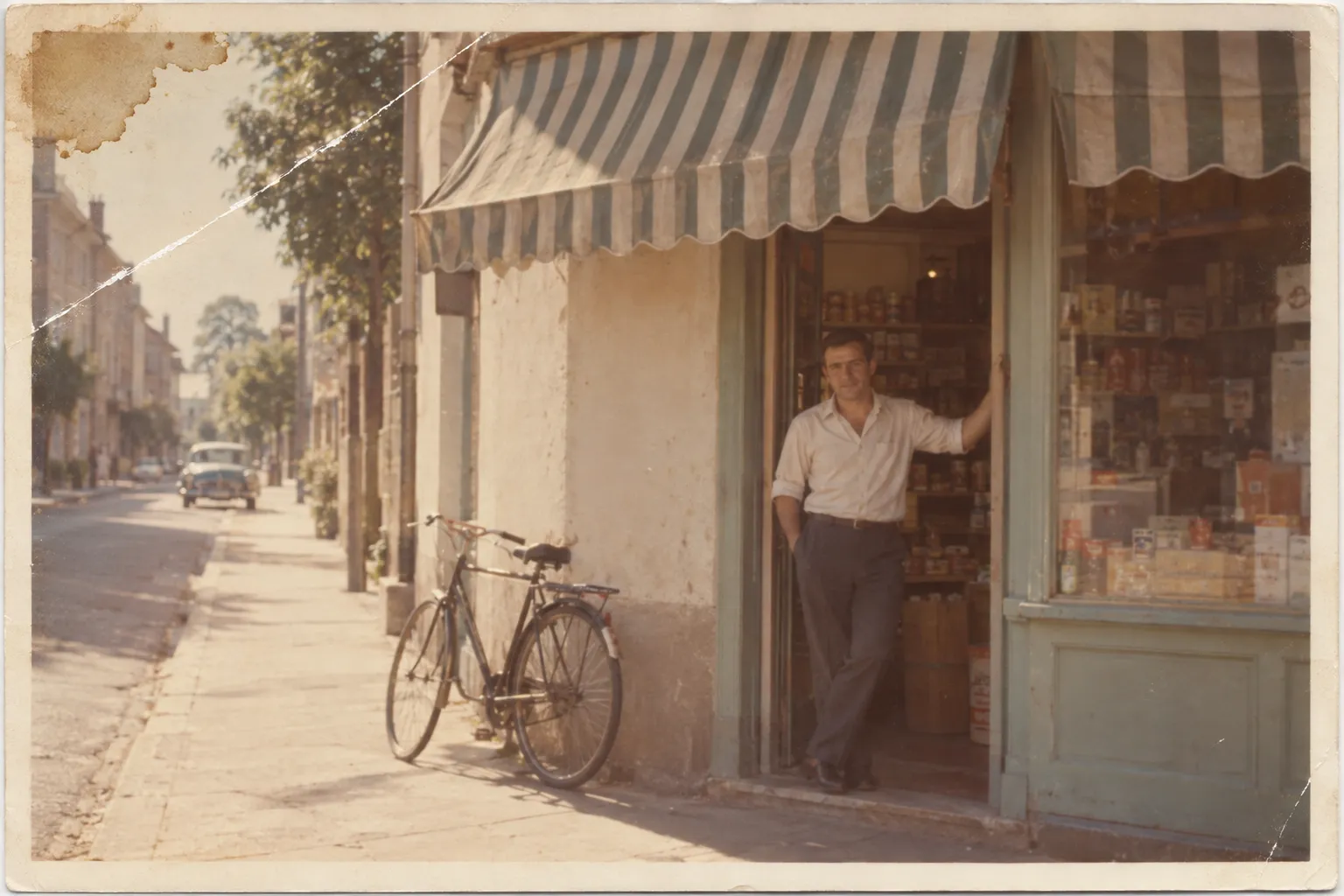
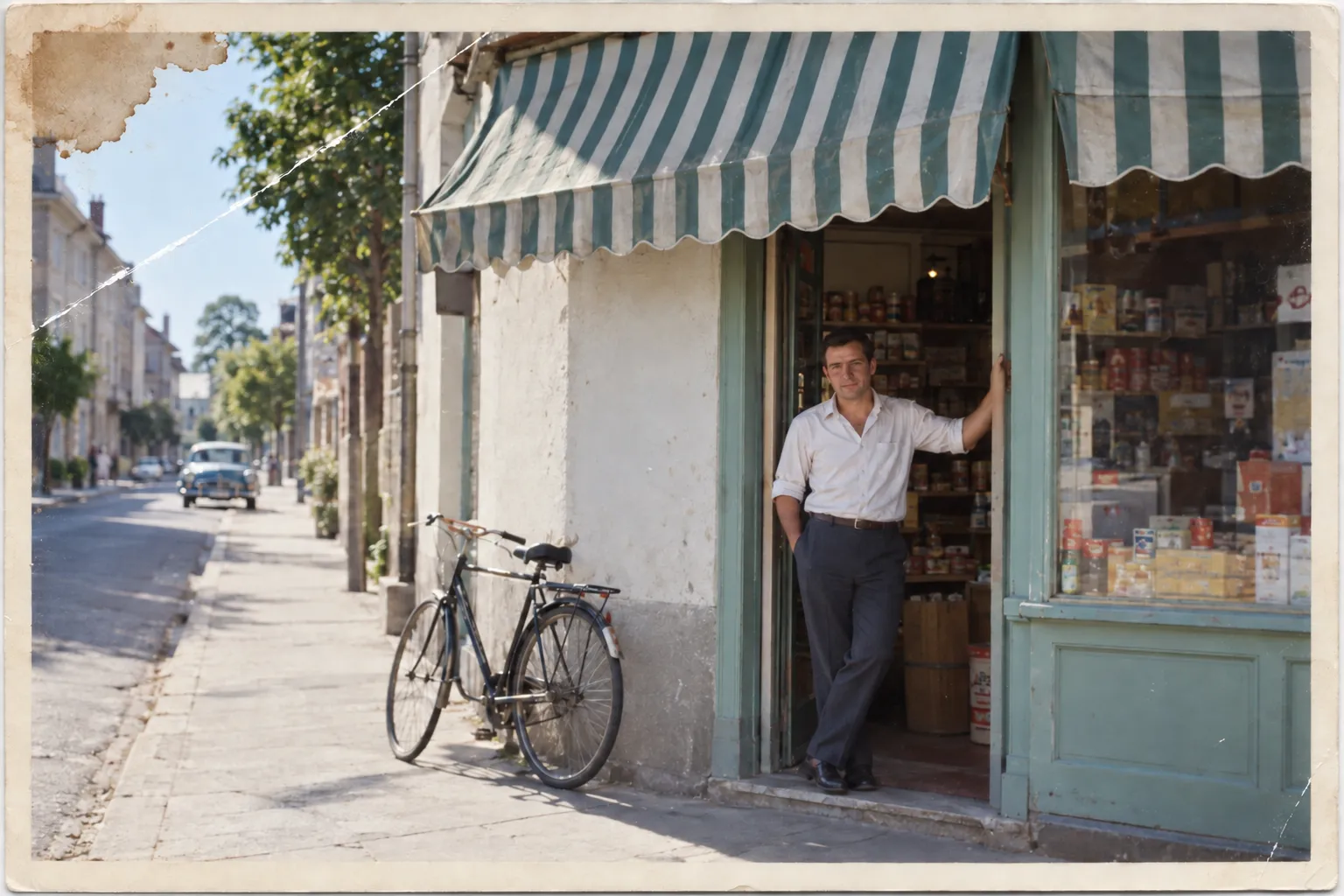
It has all gone yellow. Can you fix the colour?
Yes. I will leave the rest alone, including the scratch.
Done, saved as a new version. The one you had is still there.
Restored colour only
Play them, with the right music
An album of photographs plays like an album of songs. Put your own music behind it, or let Iris choose from your library what fits each memory.
Prints from the shoebox and photographs from your phone, in the same album.
Join the beta
Nostalgo is in private beta on iPhone. We add people in small groups, starting with those who have the most photos waiting.
One email when there is a build for you. That is the whole arrangement.
Where to get it
The beta runs through TestFlight. Join above and we will send the invitation.